How to Send Legal Documents Securely: A Guide for Irish Firms
31 October 2026
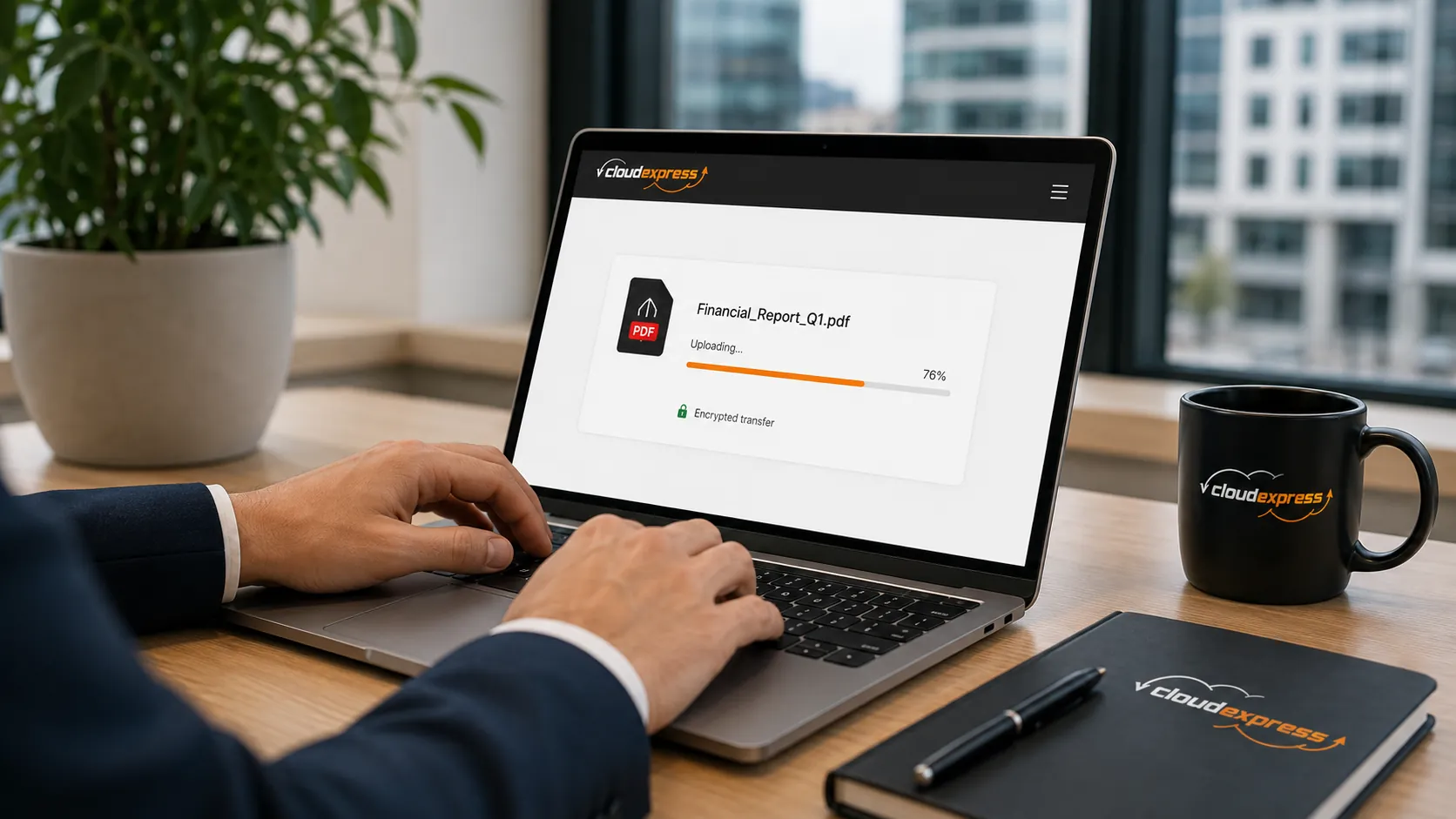
The safe way to send legal documents is an encrypted transfer link with a password, a set
expiry date and a record of who opened it. A plain email attachment gives you none of those controls.
Most guidance on how to send legal documents stops at the word encryption. The harder part for an Irish firm
is the workflow around it, because that is where files actually go astray. A mistyped address, a bundle too
big for Outlook, a link still live eighteen months after the matter closed.
This guide is written for solicitors, legal executives and practice managers sending contracts, bundles,
identity documents and client correspondence every day. It covers the sending method, the controls that
matter, and what the Data Protection Commission and the Law Society expect you to be able to demonstrate
afterwards.
How to Send Legal Documents Securely in Five Steps
Sending a client file securely comes down to five steps. Verify the recipient, upload to an encrypted transfer rather than attaching, protect the link with a password shared separately, set an expiry date, then keep the delivery record on the matter file.
- Verify the recipient address against the file, not the thread. Reply-all and autocomplete are the two most common ways a document reaches the wrong person.
- Upload the file and send a link. The document stays on controlled infrastructure instead of sitting in multiple mailboxes.
- Set a password and send it by a different channel. A password in the same email protects nothing. Text it or confirm it by phone.
- Set an expiry date that matches the matter. Seven days suits a contract for review. A discovery bundle may need longer, but it should still have an end date.
- Save the delivery confirmation. Download alerts and an audit trail tell you the file arrived and who opened it, which is the part you will need if the transfer is ever questioned.
Why Email Attachments Are the Weak Point in Legal File Sharing
Email attachments fail legal work on three counts. They have no access control once sent, no expiry, and no reliable record of who opened the file. They also break on size, which pushes staff towards personal accounts and consumer tools nobody in the firm can audit.
The scale of the problem is in the regulator's own numbers. The DPC's 2025 annual report records 6,521 valid breach notifications, and the single most common cause was correspondence sent to the wrong recipient, accounting for almost half of them.
Attachments create a few other problems worth naming.
- Copies multiply across mail servers, phones and backups you do not control.
- Forwarding is invisible to you. The second and third recipient leave no trace.
- Size caps around 20 MB to 25 MB on most mail systems make bundles and scanned files unworkable.
- Privileged material ends up retained indefinitely in a recipient's mailbox.
Which Security Controls Legal Documents Actually Need
Five controls do the real work. Encryption in transit, password protection, link expiry, download visibility and EU data residency. Everything else is convenience. If a platform cannot show you all five, it is not fit for privileged client material.
- Encryption in transit. TLS 1.3 is the current standard for protecting a file while it moves between sender, platform and recipient.
- Password protection on the link. Shared through a second channel, this stops a forwarded link from opening the file.
- Link expiry. Access ends on a date you choose rather than running indefinitely.
- Download alerts and an audit trail. A record of what was sent, to whom, and when it was opened.
- EU hosting by default. Files held on EU infrastructure keep client data inside the jurisdiction your obligations are written for.
Worth checking too is whether the recipient needs an account. Clients and counsel will not create logins to read a letter, and a platform that forces them to tend to get bypassed. A clear security and compliance from any provider should set out hosting location and encryption standards without you having to ask.
Matching the Sending Method to the Document Type
Not every document needs the same handling. The right method depends on sensitivity, size and whether the recipient needs to act on the file or simply read it.
| Document type | Main risk | Recommended method |
|---|---|---|
| Contracts and engagement letters | Wrong recipient, unauthorised amendment | Password-protected link, short expiry, download alert |
| Discovery and litigation bundles | Size limits, uncontrolled copies | Large-file transfer with expiry and access log |
| Client ID and AML documents | Identity theft, long-term retention | Encrypted link, tight expiry, no mailbox copy |
| Bank and payment details | Invoice redirection fraud | Verified by phone, never by email alone |
| Court filings and signed originals | Chain of custody | Filed through the relevant court channel, with a transfer copy for the client |
Payment details deserve their own rule. The Law Society's warning on sending bank account details by email is direct about the risk, and its suggested approach of splitting details across two channels and confirming verbally is still the safest practice. Conveyancing closings remain the prime target for interception.
What GDPR Requires When Sending Client Files
GDPR does not list approved file transfer tools. Article 32 requires appropriate technical and organisational measures for the risk involved, and names encryption as one of them. For privileged legal material the risk is high, so the bar for what counts as appropriate rises with it.
Three obligations shape how an Irish firm should send client data.
- Security of processing. Measures proportionate to the sensitivity of the file, documented so you can evidence the decision.
- Transfer and hosting location. Where the data physically rests matters, and EU hosting removes the transfer question entirely.
- Breach notification. A misdirected document can be a reportable breach, with a 72-hour clock from the point of awareness.
Your platform acts as a data processor, so the processing agreement and its stated retention periods form part of your own compliance position. Our fuller walkthrough of GDPR compliant file transfer covers the documentation side in more depth, including what to record when a transfer goes wrong.
Setting a Firm-Wide Standard for Sending Client Documents
A secure method only works if everyone uses it. The firms that get this right pick one platform, write the steps into their file-opening procedure, and remove the temptation to fall back on personal accounts when a bundle is too large for email.
Decide on your standard, then make it the path of least resistance for every fee earner and secretary in the office. You can send your first secure transfer in a couple of minutes and see how the controls behave before rolling it out across the practice.
Frequently Asked Questions
Is it safe to send legal documents by email?
Standard email offers no access control, no expiry and no record of who opened an attachment. For routine correspondence it may be acceptable, but privileged documents, identity records and payment details need an encrypted link with password protection instead.
What is the most secure way to send a contract to a client?
Upload the contract to an encrypted transfer platform, protect the link with a password shared by phone or text, and set an expiry date. Keep the download confirmation on the matter file as proof of delivery.
Can solicitors send client documents to a Gmail address?
Yes, provided the delivery method itself is secure. The risk sits with the attachment, not the recipient's provider. A password-protected link with an expiry date limits exposure even if the recipient's mailbox is later compromised.
How long should a secure file link stay active?
Match the expiry to the task. Seven days covers most reviews and signatures, while litigation bundles may need several weeks. Avoid links with no end date, because they outlive the matter and the recipient's interest in it.
Does GDPR require encryption for legal documents?
Article 32 requires measures appropriate to the risk and names encryption as an example. Given the sensitivity of privileged material, encryption in transit is the practical baseline for any firm sending client files.
What should you do if a legal document goes to the wrong recipient?
Record the incident immediately, assess the risk to the individuals affected, and report it to the Data Protection Commission within 72 hours of becoming aware if that risk is likely. Ask the recipient to confirm deletion in writing.