What Is SSO and How Does Single Sign-On Work?
12 August 2026

If you've ever signed into one platform and found yourself automatically logged into three others, you've
already used SSO without thinking about it. For anyone who works with file transfers daily, whether you're
sending client deliverables, handling sensitive documents or managing team access to a transfer platform,
SSO is one of those behind-the-scenes technologies worth understanding properly.
SSO (single sign-on) is an authentication method that lets you log in once with a single set of credentials
and then access multiple applications without signing in again for each one. Instead of remembering a
different password for your file transfer platform, your email, your CRM and your project management tool,
you authenticate once and you're in everywhere. It works by establishing a trust relationship between an
identity provider and the applications you use, passing secure tokens instead of passwords between them.
For Irish businesses and file transfer professionals juggling multiple cloud tools, SSO isn't just a
convenience. It's a practical way to reduce password fatigue, tighten access control across transfer
workflows and make onboarding (and offboarding) far less painful. Here's how it all fits together.
How Does SSO Actually Work?
At its core, SSO relies on a trust relationship between two parties. There's the identity provider (IdP),
which is the system that verifies who you are, and the service provider (SP), which is the application
you're trying to access, such as your file transfer platform or document management system.
When you try to log into an application that supports SSO, the app doesn't ask you for a password directly.
Instead, it redirects you to your identity provider. If you've already authenticated with the IdP (say,
when you logged into your work account that morning), it sends a secure token back to the application
confirming your identity. The app trusts that token and lets you in. No second password needed.
The most common protocols behind this process are SAML 2.0 and OpenID Connect (OIDC). SAML is widely used
in enterprise environments, while OIDC is more common in consumer-facing and modern web applications. Both
achieve the same outcome, though they handle token exchange slightly differently.
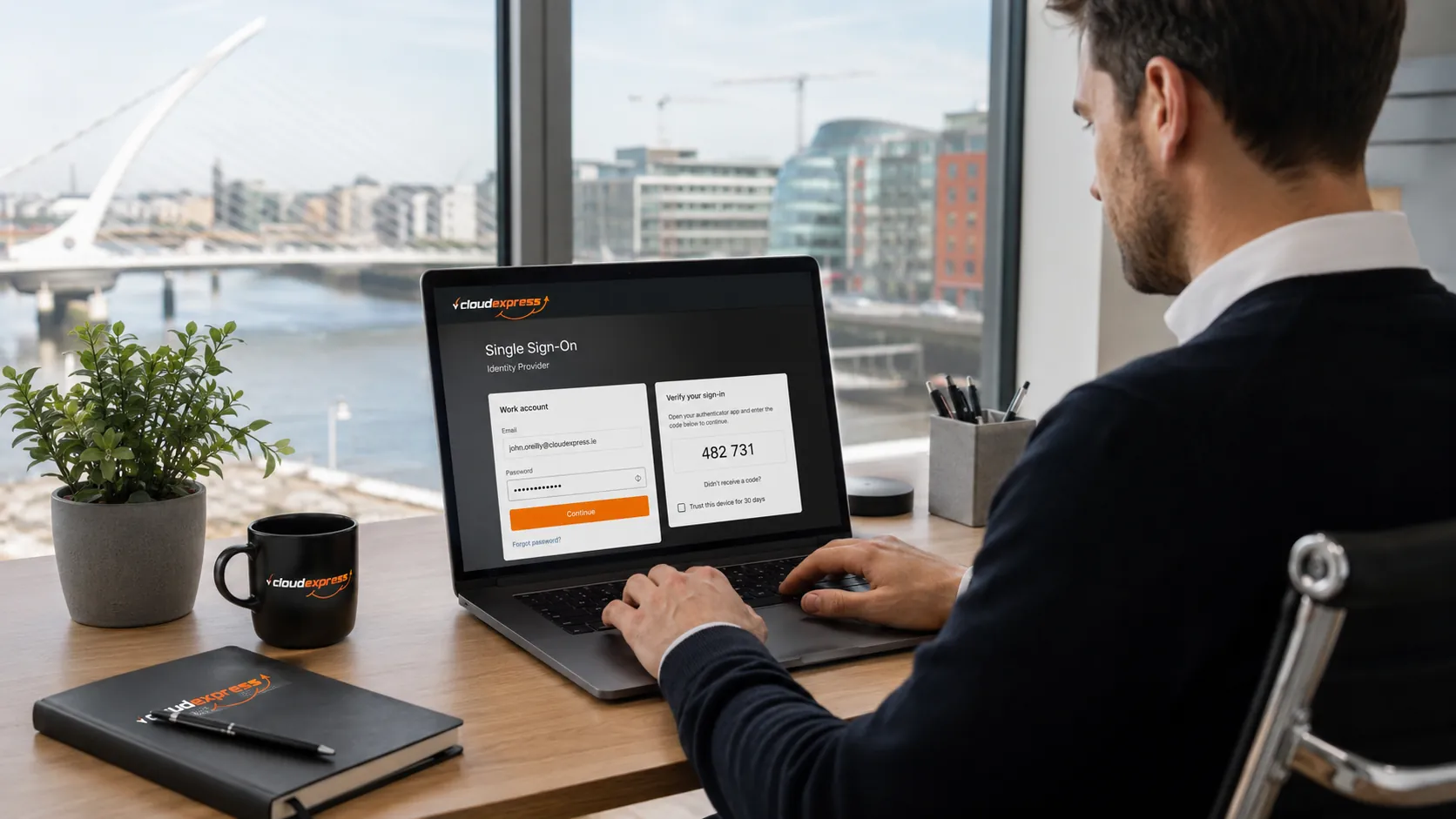
Think of it like a wristband at a festival. You verify your identity once at the gate, get your wristband, and then you can move between stages and food stalls without queuing at each entrance again. The wristband (or in SSO terms, the token) proves you've already been checked.
Why Does SSO Matter for File Transfer Workflows?
File transfer professionals deal with sensitive data every day. Client deliverables, legal documents,
financial reports, design assets. Each transfer carries risk, and every login to a transfer platform is a
potential point of vulnerability.
People reuse passwords. They write them on sticky notes. They pick weak ones because they've got twelve to
remember. Research consistently shows that password reuse is one of the biggest vulnerabilities in business
IT. When your file transfer platform sits behind yet another standalone login, it's one more credential
that could be compromised. SSO removes that friction by centralising authentication for
secure file sharing
, so your team accesses transfer tools through the same verified identity they use for everything else.

When someone leaves the company, you revoke access in one place rather than hunting through ten different
admin panels. For regulated teams handling sensitive documents, that centralised control is a genuine
advantage.
It also matters for compliance. Under GDPR, Irish and EU organisations need to demonstrate that they
control who can access personal data. SSO combined with audit logging gives you a clear picture of who
accessed what and when, which makes life much easier if you ever need to respond to a Data Protection
Commission enquiry. For file transfer professionals specifically, being able to show exactly who had access
to send or download files is a strong
compliance position
.
What Are the Security Risks of SSO?
SSO isn't without trade-offs. The biggest concern is the single point of failure problem. If someone
compromises your identity provider account, they potentially gain access to every connected application in
one go, including your file transfer platform.
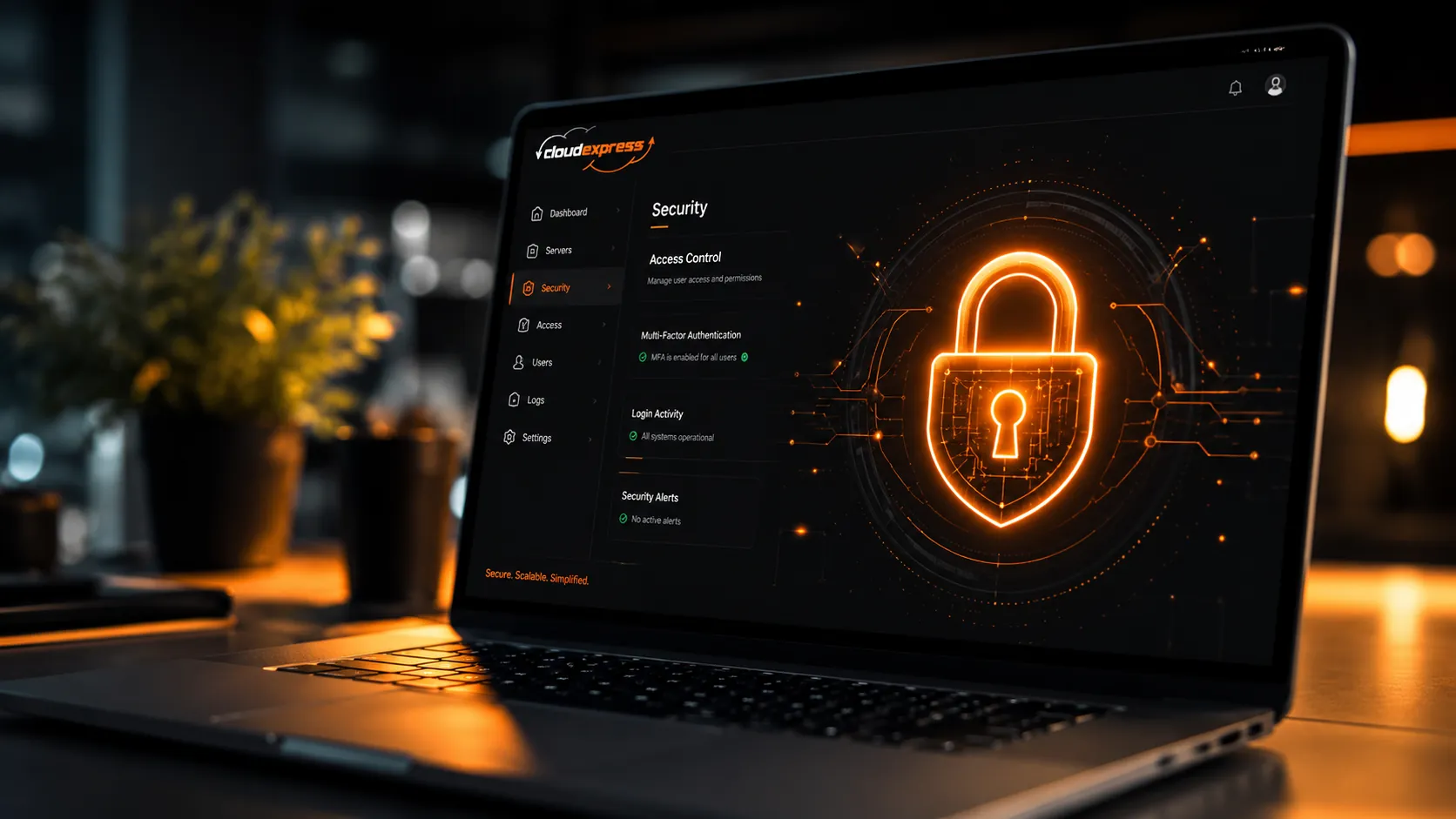
That's why SSO should never be deployed on its own. Multi-factor authentication (MFA) is practically
non-negotiable alongside it. MFA adds a second verification step, such as a code from an authenticator app
or a biometric check, which means a stolen password alone won't get an attacker very far.
Session Management and Timeout Policies
Another risk comes from leaving SSO sessions open indefinitely. If a laptop is lost or stolen while a
session is active, anyone with physical access could potentially reach connected services, including
platforms where sensitive files are stored or in transit. Configuring automatic session timeouts and
requiring re-authentication after periods of inactivity is standard good practice.
Businesses should also run regular access reviews. When people change roles internally, their permissions
often don't get updated. SSO makes it easier to manage access across
business file sharing tools
from one dashboard, but only if someone is actually reviewing those permissions periodically.
What Should File Transfer Professionals Look for in SSO-Ready Platforms?
Not every file transfer platform handles SSO well. When you're evaluating tools for your team, especially platforms that handle sensitive client files or regulated data, there are a few things worth checking.
- Support for standard protocols like SAML 2.0 or OpenID Connect, so it works with your existing identity provider.
- Compatibility with popular IdPs such as Microsoft Entra ID (formerly Azure AD), Okta or Google Workspace.
- Granular access controls that let you set permissions by team, by user or by transfer type.
- Audit logging that tracks who sent what, to whom and when.
- No-friction recipient experience, so external parties don't need to create accounts just to receive files.

For Irish businesses transferring files to clients or partners, platforms like Cloud Express offer secure, EU-hosted file delivery designed around professional transfer workflows. That means clean delivery, audit trails and GDPR-aligned access controls without adding another set of credentials to the pile.
Does Every Business Need SSO for File Transfers?
Honestly, if your team is just two or three people using a handful of tools, SSO might feel like overkill. But the moment you're managing more than five or six cloud applications, or you're onboarding and offboarding staff regularly, the benefits stack up quickly.
Regulated industries like legal, finance and healthcare are obvious candidates. If you're handling client data, patient records or financial documents, the combination of SSO plus MFA plus strong file security practices isn't optional. It's table stakes for anyone transferring sensitive files professionally.
Even for smaller teams, SSO reduces friction. Less time spent resetting passwords means more time spent on actual work. And for IT teams (or the one person wearing the IT hat in a smaller company), centralised access management is a sanity saver.
If you're reviewing your team's security setup, start with the tools that handle your most sensitive data, and file transfer platforms sit right at the top of that list. Get SSO and MFA in place there first, and expand from there. When it comes to file transfers, look for platforms built with security and compliance from the ground up. Try Cloud Express free and see how EU-hosted, GDPR-aligned file delivery fits into your workflow.
Frequently Asked Questions
Q1: What does SSO stand for?
SSO stands for single sign-on. It's an authentication method that lets users log in once and access multiple applications without entering separate credentials for each one.
Q2: How does SSO improve security for file transfer teams?
SSO reduces the number of passwords employees need to manage, which cuts down on weak and reused credentials across transfer platforms. When paired with multi-factor authentication, it creates a much stronger security posture for teams handling sensitive file deliveries.
Q3: Is SSO the same as a password manager?
No. A password manager stores multiple passwords and fills them in for you, while SSO eliminates the need for multiple passwords altogether. With SSO, you authenticate once and your identity is verified across all connected applications, including file transfer tools.
Q4: What happens if my SSO provider goes down?
If your identity provider experiences an outage, you may be temporarily unable to access connected applications. Most enterprise IdPs have high uptime guarantees, but it's worth having a backup authentication method configured for critical systems like file transfer platforms.
Q5: Can SSO work with file transfer platforms?
Yes. Many modern file transfer and sharing platforms support SSO through SAML 2.0 or OpenID Connect. This means your team can send and receive files securely without managing yet another set of login credentials.
Q6: Do I need SSO if my business is small?
It depends on how many cloud tools your team uses. Once you're managing more than a handful of applications, SSO simplifies access management and reduces security risks. Even small teams benefit from fewer passwords and faster onboarding.